Table of Contents
We've all been there: a highly productive hour-long meeting concludes, decisions are made, and meeting action items are assigned. But a week later during the meeting follow-up, no one remembers who is supposed to deliver what, and the project stalls.
According to the Microsoft Work Trend Index, inefficient meetings remain one of the top barriers to productivity. The problem isn't always the meeting itself—it's often the lack of proper meeting documentation.
Effective meeting notes are the bridge between talking about work and actually doing it. When done right, they serve as a single source of truth, aligning teams and ensuring accountability. When done poorly (or not at all), they become a symptom of organizational friction.
In this guide, we'll cover the fundamental rules for creating a better meeting record, the structural elements you should always include in your project documentation, and how modern teams are moving away from manual note-taking entirely.
Why Traditional Meeting Minutes Fail
Before we fix the process, it’s important to understand why manual meeting minutes often break down, leading to what many consider Common Meeting Mistakes:
- The Stenographer's Trap: The designated note-taker tries to write down every single word spoken to create a manual meeting transcript. This leads to a massive wall of text that no one will ever read.
- Cognitive Absence: If you are frantically typing, you aren't participating. The team loses a valuable contributor because they are stuck playing secretary.
- Delayed Distribution: Minutes that are sent out three days after the meeting are useless. Context is lost, and momentum dies. Research published in the Harvard Business Review suggests that without clear, timely communication, teams quickly lose alignment.
- Lack of Ownership: Notes might state that "the marketing budget needs review," but without a clear owner and deadline, it's just an observation, not an action item.
The Core Elements of Effective Minutes
Great meeting minutes are not transcripts; they are a concise meeting summary. A participant should be able to scan the document in 30 seconds and know exactly what happened and what needs to happen next.
Every set of meeting minutes should include:
1. The Basics
At the very top, list the date, time, location (or meeting link), and the names of attendees (and absentees). This establishes a clear historical record.
2. The Objective
State the purpose of the meeting in one sentence. Example: Goal: Finalize the Q3 product roadmap and assign feature ownership.
3. Decisions Made
This is the most critical section. What did the group agree upon? Be concise and declarative.
- Decision: We will delay the mobile app launch to Q4 to prioritize backend stability.
4. Action Items (The "Who, What, When")
Every task generated during the meeting must follow a strict format: Who is doing What by When.
- Action: Sarah to deliver the revised budget spreadsheet by Thursday at 5 PM.
5. Parking Lot
Topics that were raised but were outside the scope of the current meeting. Document them here so they aren't lost, but don't let them derail the current agenda.
A Quick Template for Better Notes
Readers looking for an immediate fix can use this structured format. Simply copy and paste this template into your preferred note-taking tool:
Tip: Save this template in your preferred note-taking app so you can reuse it for every meeting.
Meeting:
Date:
Attendees:
Objective:

Key Decisions
- ...

Action Items
- Name
- Task
- Due Date

Parking Lot
- ...
Best Practices for the Human Note-Taker
If you are tasked with taking manual notes, follow these rules, many of which align with Google Workspace productivity resources, to maximize efficiency:
- Use a Template: Never start with a blank page. Have a standardized template ready before the meeting begins.
- Record Decisions, Not Discussions: Unless a specific technical debate is highly relevant for future reference, focus on the outcome. "The team debated server providers for 20 minutes and selected AWS" is better than a verbatim transcript of the debate.
- Clarify Before Moving On: If a decision is ambiguous, stop the meeting and ask, "Just to confirm for the notes, are we agreeing to X?"
- Distribute Immediately: Send the notes while the context is still fresh in everyone's mind—ideally within an hour of the meeting ending.
The Evolution: AI Meeting Assistants
In 2026, forcing a team member to act as a human stenographer is an outdated practice. The cognitive cost is simply too high. This shift is shaping the Future of AI Meetings.
This is where AI meeting assistants come in. If you are looking to adopt one, check out our guide on the Best AI Note-Taking Apps. Tools like MeetMind AI fundamentally change the dynamic of a meeting by removing the burden of manual documentation.
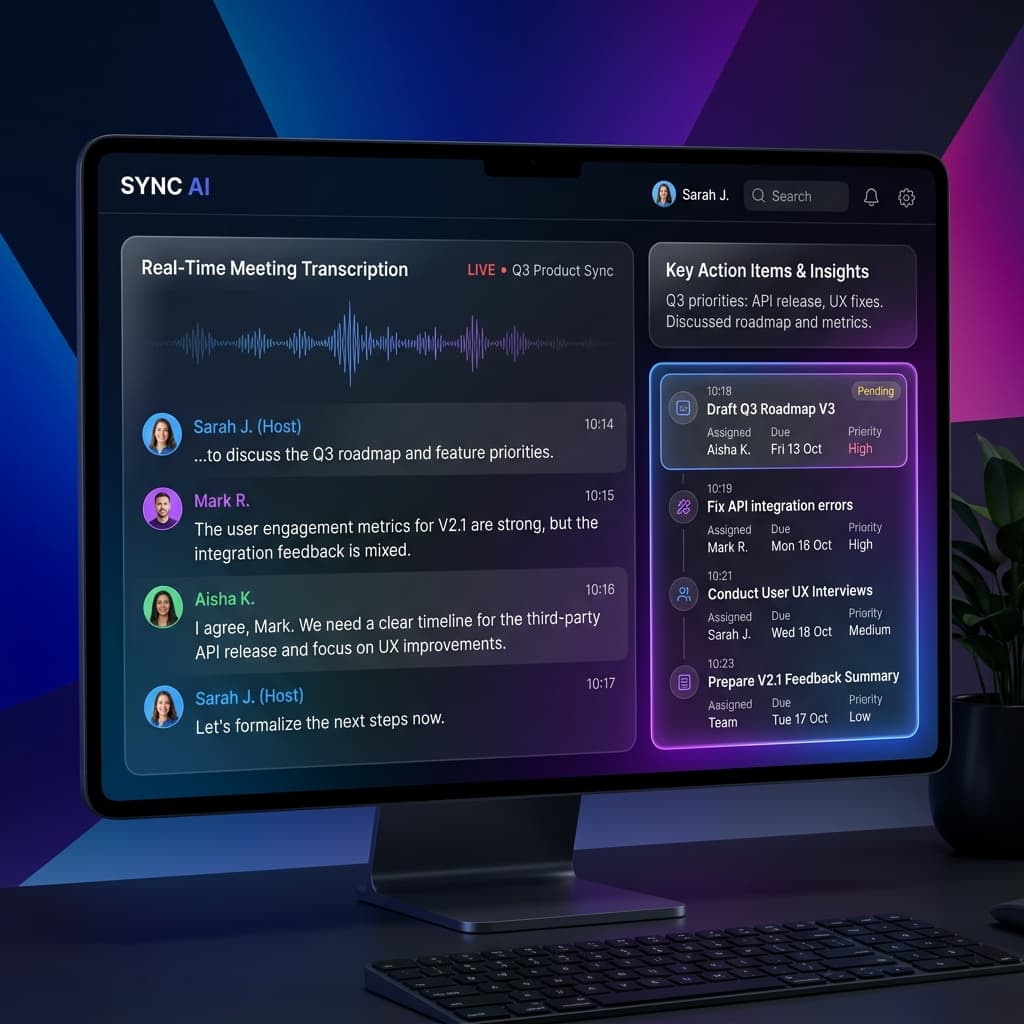
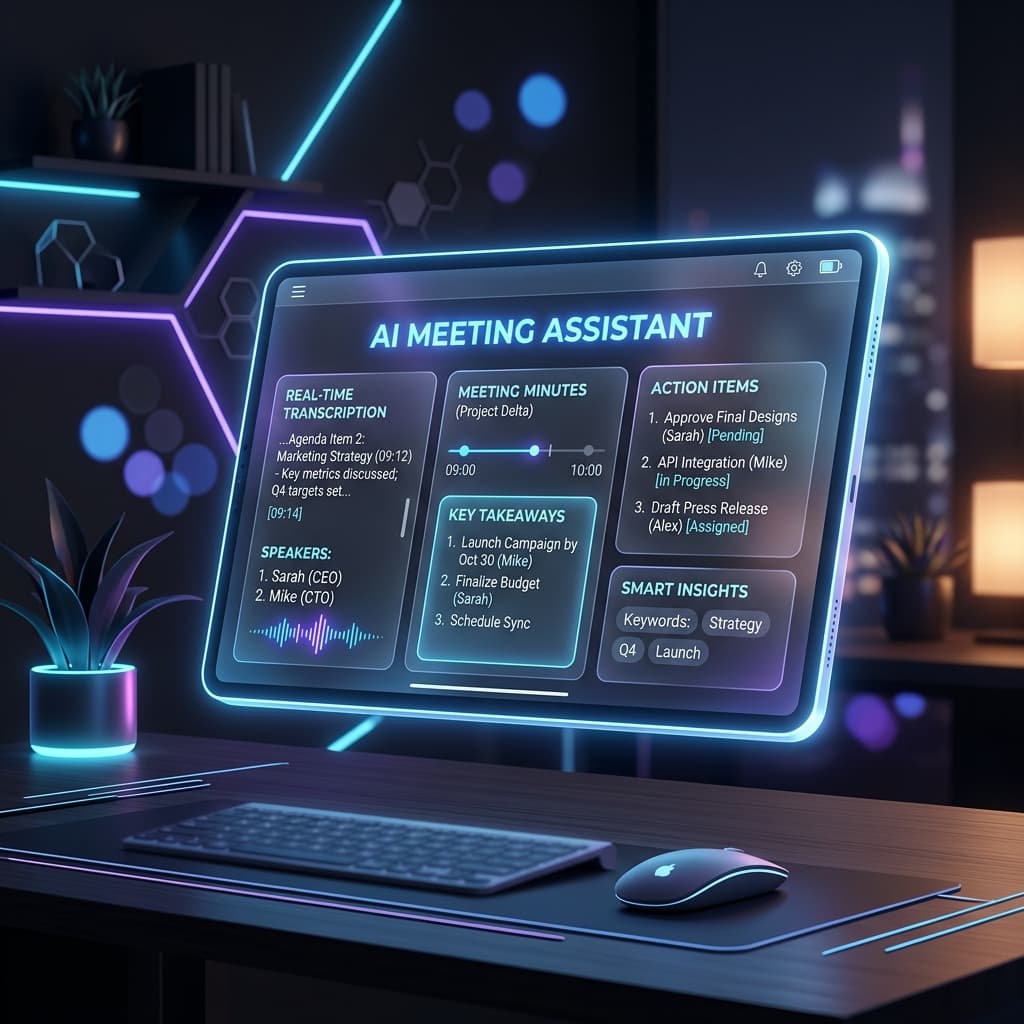
Instead of typing, an AI assistant joins your call, listens to the conversation, and instantly generates a comprehensive summary. It goes beyond simple transcription by relying on How AI Transcription Works to intelligently process the audio:
- Identifying Speakers: Automatically attributing statements to the correct person.
- Extracting Action Items: Parsing the conversation to find commitments and formatting them into clear tasks.
- Generating Executive Summaries: Condensing an hour-long call into a bulleted list of key takeaways, functioning much like specialized AI Meeting Summaries.
By automating the minutes, every participant can be fully present, read body language, and contribute to the strategic discussion without worrying about missing a crucial detail.
Frequently Asked Questions
What should meeting minutes include?
Meeting minutes should include attendees, agenda, decisions, action items, deadlines, and follow-up tasks.
How long should meeting minutes be?
They should summarize the meeting clearly rather than transcribing every word.
Are meeting minutes legally required?
Some organizations require them for compliance or governance, while many teams use them to improve accountability.
Can AI write meeting minutes automatically?
Yes. AI meeting assistants can transcribe discussions, summarize key points, and extract action items automatically.
Ready to eliminate manual meeting notes?
- AI Meeting Notes & Summaries
- Automated Action Item Tracking
- Search Across Every Meeting