Table of Contents
Meetings are the lifeblood of collaboration, but without a clear record of what was discussed, their value quickly evaporates. According to the Microsoft Work Trend Index, inefficient meetings are one of the top productivity killers for modern teams. If you've ever left a meeting wondering, "What exactly did we just agree on?" you know the pain of poor documentation.
The solution? A standardized meeting summary template. Using a consistent format ensures that every stakeholder—whether they attended the meeting or not—can quickly grasp the key decisions and their next steps, avoiding common meeting mistakes.
In this guide, we'll break down the essential components of a good meeting summary, provide practical templates you can use today, and explore how AI meeting summaries can automate this entire process.
The Anatomy of a Perfect Meeting Summary
Before we look at specific templates, let's establish the core elements every meeting summary needs to be effective (and if you want to go deeper on this, check out our guide on how to write better meeting minutes):
- Metadata: Date, time, participants, and absentees.
- Meeting Objective: A single sentence explaining why the meeting happened.
- Key Discussion Points: A brief outline of the topics covered (not a verbatim transcript).
- Decisions Made: The concrete choices agreed upon during the meeting.
- Action Items: Clear tasks assigned to specific individuals, complete with deadlines.
3 Essential Meeting Summary Templates
Depending on the type of meeting, your summary might need a different focus. Here are three highly effective templates.
1. The Executive Summary Template
Best for: Board meetings, stakeholder updates, and strategy alignments.
The goal here is high-level clarity. Executives don't need to know how the sausage is made; they just need to know the flavor.
Template:
Date: [Date] | Project/Topic: [Topic]
Objective: [One-sentence goal]Key Decisions:
- [Decision 1: Why it was made]
- [Decision 2: Why it was made]
Action Items:
- [Task] - [@Assignee] by [Date]
- [Task] - [@Assignee] by [Date]
Next Steps/Follow-up: [When is the next sync?]
2. The Daily Standup Template
Best for: Agile teams, daily check-ins, and fast-paced project teams.
Standups are all about velocity and unblocking bottlenecks. The summary should be incredibly brief.
Template:
Date: [Date] | Team: [Team Name]
Blockers Identified:
- [@Name] is blocked by [Issue] -> Resolving with [@Name] today.
Important Updates:
- [Update 1, e.g., Feature X deployed]
Action Items (Parking Lot):
- [Task discussed outside the immediate scope] - [@Assignee]
3. The Project Kickoff Template
Best for: New initiatives, client onboardings, and cross-functional kickoffs.
Kickoffs set the tone for the entire project. The summary needs to capture the defined scope and the immediate next steps to maintain momentum.
Template:
Date: [Date] | Project: [Project Name]
Project Scope & Goals:
- [Goal 1]
- [Goal 2]
Out of Scope:
- [What are we NOT doing?]
Key Decisions on Approach:
- [Decision 1]
Immediate Action Items:
- [First Task] - [@Assignee] by [Date]
- [Second Task] - [@Assignee] by [Date]
Tip: Save these templates for your next meeting, or let MeetMind AI generate structured meeting summaries automatically in seconds.
How to Automate Meeting Summaries with AI
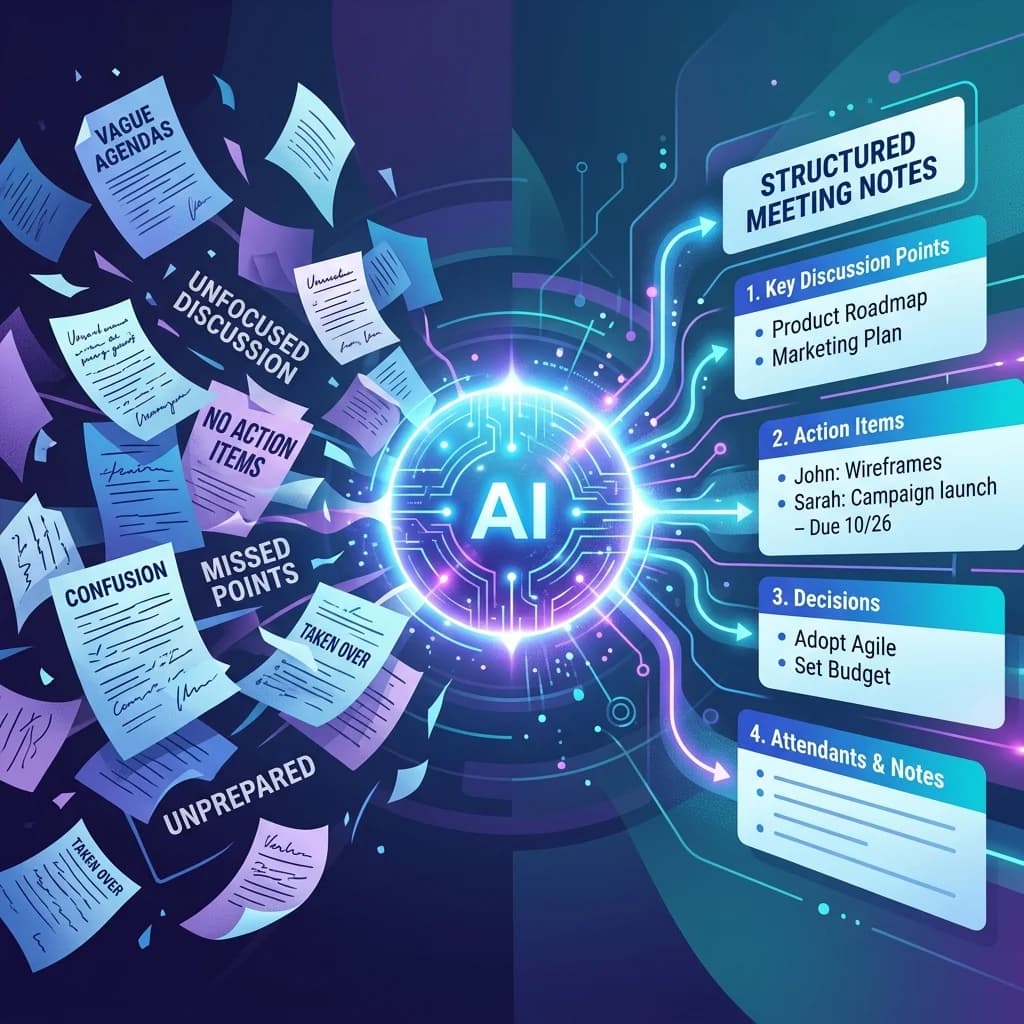
While having a template is a huge step up from chaotic, free-form notes, manually filling out these templates is still a tedious administrative chore. Someone has to actively listen, take notes, and then spend 15-20 minutes formatting them after the call.
This is where MeetMind AI comes in.
Instead of scrambling to write down every detail, you can use one of the best AI note taking apps to handle the documentation for you. MeetMind AI automatically transcribes your conversation (learn more about how AI transcription works) and uses advanced models (like Gemini) to extract the core components of your meeting.
The AI Advantage:
- Perfect Recall: You get a full, searchable transcript.
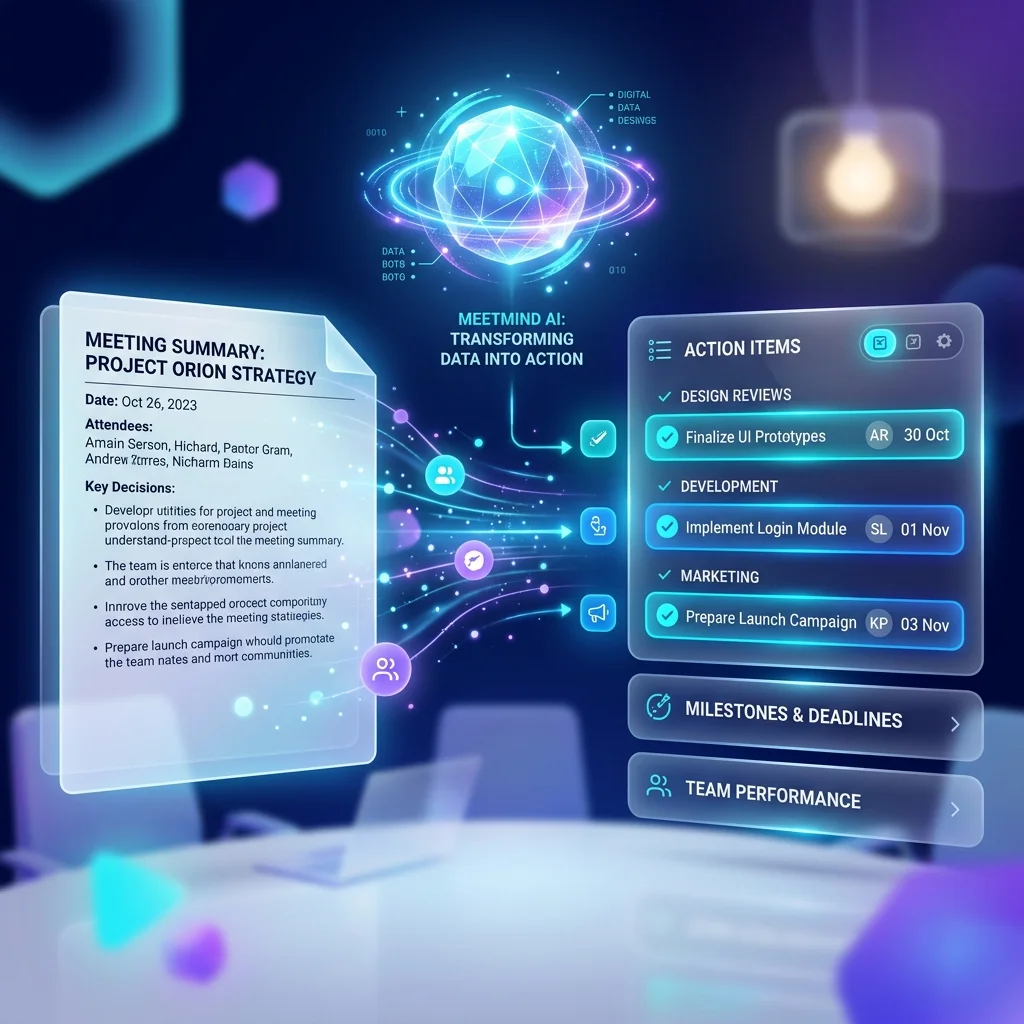
- Instant Summarization: The AI automatically identifies action items, assignees, and key decisions, formatting them into your preferred template instantly.
- 100% Focus: You can actually engage in the conversation instead of acting as the team stenographer.
Key Takeaways
- Use one template consistently.
- Always assign clear action items with owners and deadlines.
- Focus on decisions instead of recording every spoken word.
- Share the summary promptly after the meeting.
- Use AI to automate repetitive documentation tasks.
Final Thoughts
A great meeting summary turns an hour of conversation into actionable momentum. By adopting standardized templates—or better yet, letting AI handle the heavy lifting—you ensure that your team stays aligned, accountable, and focused on the work that actually matters.
Stop writing meeting notes manually. Try MeetMind AI today and get your meeting summaries automatically generated.
Frequently Asked Questions
What is a meeting summary?
A meeting summary is a concise document that highlights the objectives, key discussion points, decisions made, action items, and follow-up tasks from a meeting.
How is a meeting summary different from meeting minutes?
Meeting summaries focus on the most important outcomes, while meeting minutes provide a more formal record of discussions and decisions.
What should a meeting summary include?
A good meeting summary should include:
- Meeting objective
- Participants
- Key discussions
- Decisions
- Action items
- Deadlines
Can AI generate meeting summaries?
Yes. AI meeting assistants can automatically transcribe conversations, summarize discussions, identify action items, and create structured meeting summaries.
Ready to eliminate manual meeting notes?
- AI Meeting Notes & Summaries
- Automated Action Item Tracking
- Search Across Every Meeting