Table of Contents
We've all been there: a highly productive, energetic one-hour meeting wraps up. Everyone leaves feeling aligned. But a week later, no progress has been made. Why? Because the team failed to define clear, trackable meeting action items.
An action item is the bridge between talking about a project and actually getting it done. Without clear follow-up tasks, even productive meetings can fail to translate discussion into progress.
In this guide, we'll break down exactly what an action item is, how to write them effectively, provide real-world examples, and offer a template you can use for your next sync.
1. What Is a Meeting Action Item?
A meeting action item is a discrete, documented task that needs to be completed as a result of a meeting. Unlike general meeting notes or minutes (which record what was said), an action item dictates what will be done.
2. Action Item vs Meeting Note vs Decision
It is easy to confuse action items with other forms of meeting documentation. Here is how they differ:
- Meeting Note: A record of discussion, context, or information shared. (e.g., "The client prefers the blue color scheme over the red.")
- Decision: A finalized choice made during the meeting. (e.g., "We will proceed with the blue color scheme.")
- Action Item: A specific task assigned to an individual to execute. (e.g., "Sarah to update the mockup to the blue color scheme by Friday, August 14.")
3. What Should a Meeting Action Item Include?
For an action item to be functional, it must answer three questions:
- What is the task? (A clear description starting with a strong verb).
- Who is responsible for it? (A single owner).
- When is it due? (A specific deadline).
4. Best Practices for Writing Action Items
A poorly written action item can create almost as much confusion as having no action item at all. Follow these best practices to ensure clarity and accountability:
Start with a Strong Verb
Avoid passive language. An action item should be a command. Don't write: "Design updates." Do write: "Draft the new landing page UI."
Assign a Single Owner
Assigning multiple people without a clear owner can make responsibility ambiguous. Even if a task requires a whole team, assign a single point of contact (POC) who is responsible for driving the work forward and reporting back.
Set a Clear Deadline
"Next week" is not a deadline. "Friday, August 14" is a deadline. Ambiguity breeds procrastination. If a task is ongoing, set a deadline for the next milestone or progress update. Avoid mixing arbitrary deadlines; choose a specific date.
Provide the "Why" (Context)
The person doing the task should understand its purpose. This prevents endless follow-up questions later. If a task requires access to specific documents, link them directly in the action item.
5. Good vs Bad Action Item Examples
Let’s look at a few examples of how to apply these rules.
Scenario: The marketing team needs to finalize the Q3 budget.
❌ Bad: "Sarah to look at the Q3 budget." (Why is it bad? It's vague, lacks a deadline, and "look at" is not a strong action verb.)
✅ Good: "Sarah will finalize and submit the Q3 marketing budget by Friday, August 14."
Scenario: The engineering team needs to fix a bug reported by a customer.
❌ Bad: "Bug on the login page needs fixing by the dev team." (Why is it bad? No single owner, no deadline, no context on what the bug actually is.)
✅ Good: "David to patch the OAuth login timeout bug (Ticket #4321) by Wednesday, August 12."
6. Meeting Action Item Template
You can paste this simple template at the bottom of your meeting agenda or Google Doc to ensure nothing slips through the cracks.
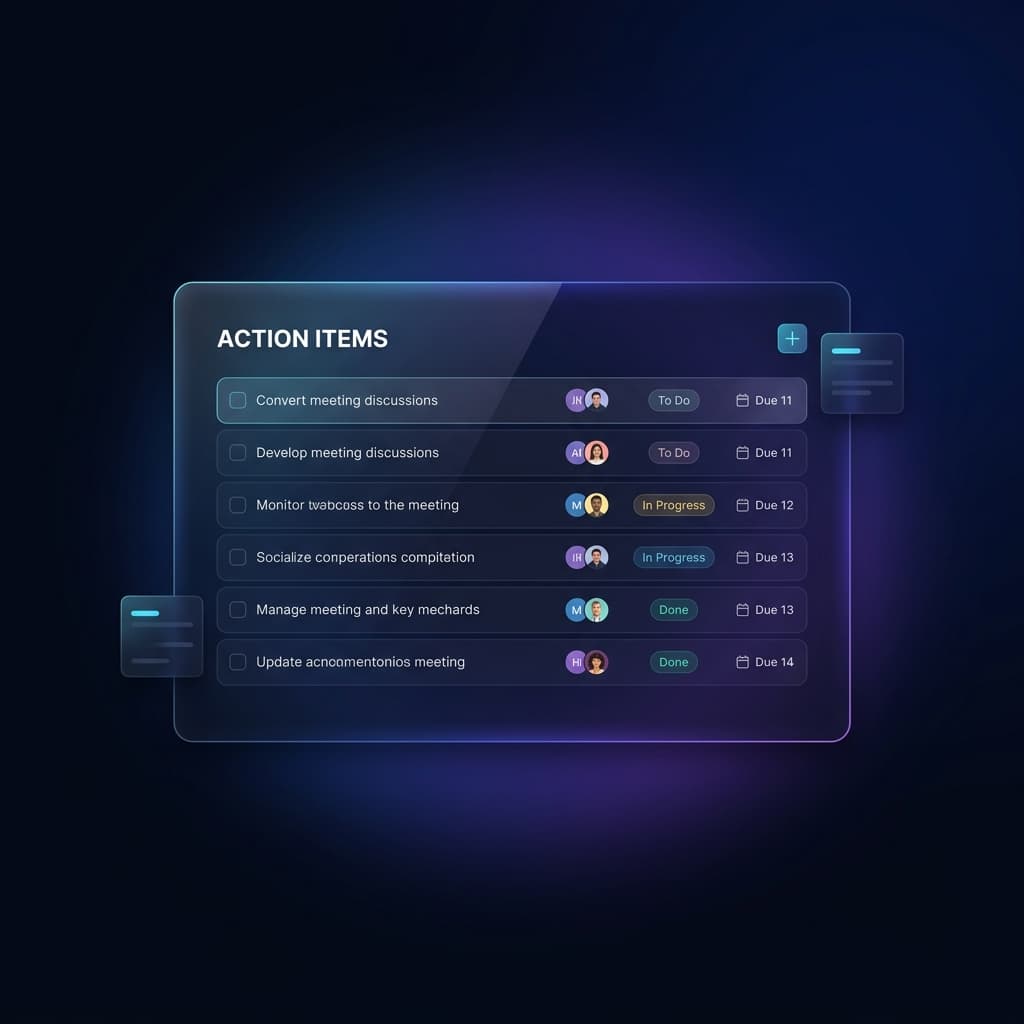
| Task | Owner | Deadline | Status | Notes / Links |
|---|---|---|---|---|
| Draft Q3 marketing email | Sarah Jenkins | Aug 14 | Not Started | Campaign brief |
| Review new UI wireframes | David Chen | Aug 17 | In Progress | Figma link attached |
| Schedule vendor follow-up call | Alex Smith | Aug 14 | Done | Vendor confirmed availability for Aug 18 |
7. How to Prioritize Meeting Action Items
Not every action item has the same urgency. After documenting the tasks, review them based on deadline, impact, dependencies, and blockers.
A simple status system can keep follow-up easy to understand:
- Not Started: Work has not begun.
- In Progress: The owner is actively working on the task.
- Blocked: Progress depends on another task, decision, or resource.
- Done: The agreed outcome has been completed.
For larger meetings, recording priority alongside the owner and deadline can help teams focus on the most time-sensitive work first.
8. How to Track Action Items After a Meeting
Recording action items is only step one. Tracking them ensures completion.
- Use a Centralized Tool: Move action items from the meeting notes into your project management software (Jira, Asana, Trello) immediately.
- Follow Up: Start your next recurring meeting by reviewing the action items from the previous one.
- Status Updates: Encourage owners to proactively update the status (e.g., In Progress, Blocked, Done) before the deadline.
9. Common Action Item Mistakes
- Vague Deadlines: Using "ASAP" or "Soon" instead of hard dates.
- No Single Owner: Assigning a task to a whole department ("Marketing to review").
- Forgetting to Share: Writing down action items but never distributing the list to the attendees.
10. Using AI to Help Create Action Items
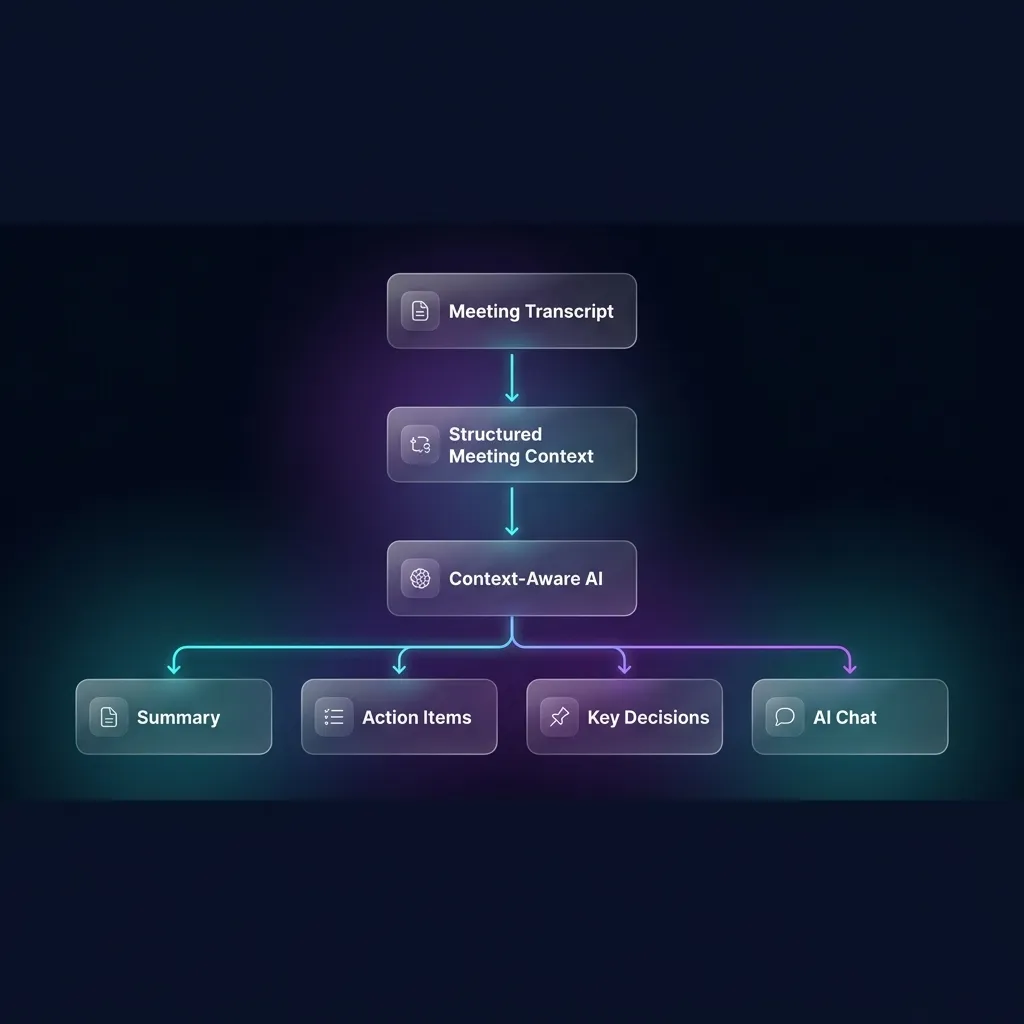
AI can reduce some of the manual work involved in reviewing meeting transcripts. Depending on the tool, an AI system can analyze a transcript for commitments, responsibilities, and deadlines and turn them into candidate action items.
For example, a statement such as "I'll send the revised proposal by Tuesday" could be structured as:
Task: Send revised proposal
Owner: Speaker
Deadline: Tuesday
AI-generated action items should still be reviewed before they are assigned or added to a project-management workflow, especially when responsibilities or deadlines are ambiguous.
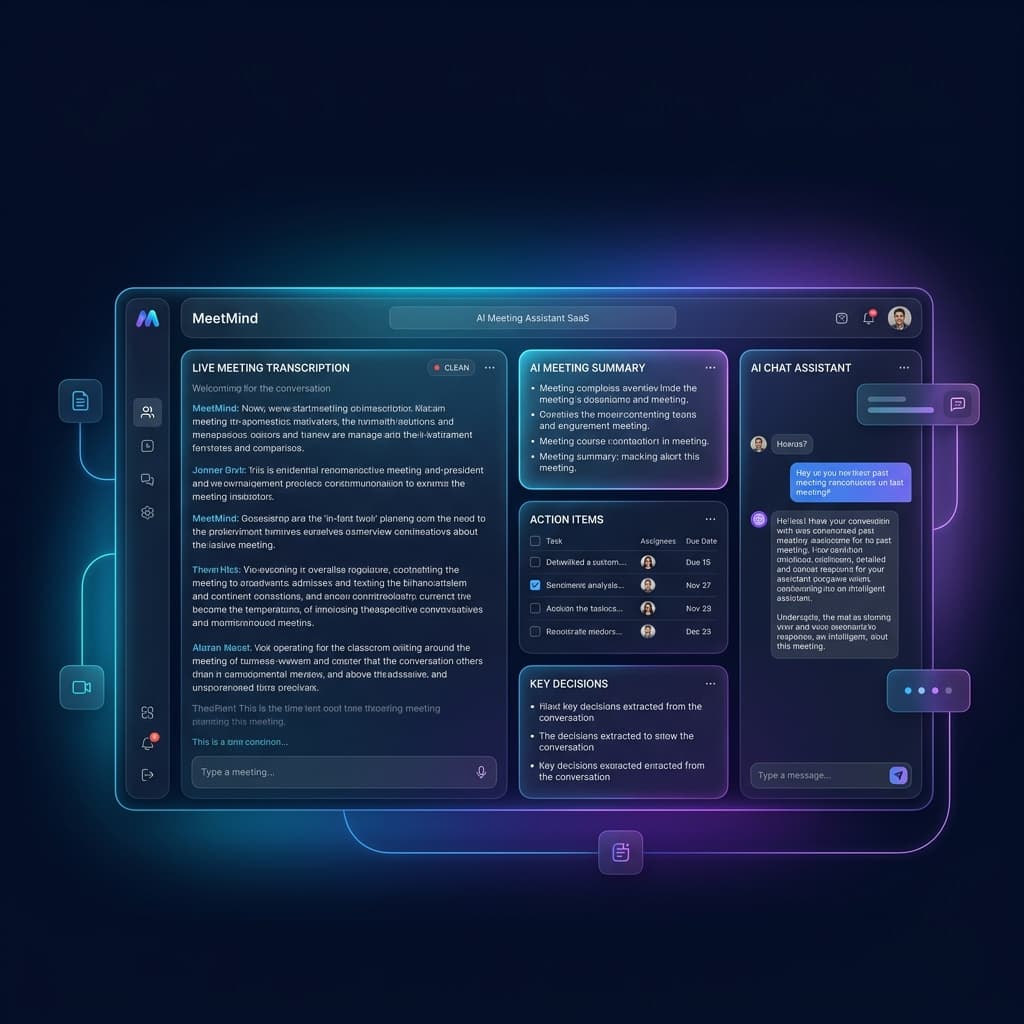
MeetMind AI is being developed to help turn meeting conversations into useful notes and follow-up information. For a deeper dive on how this works, check out our guide on how to turn meeting transcripts into action items using AI.
11. FAQ
Who should write the action items? Typically, the meeting organizer or a designated note-taker is responsible for documenting action items and sharing them post-meeting.
What if an action item takes longer than expected? The owner should communicate any delays before the deadline and propose a new target date, rather than waiting for someone to follow up.
Should every meeting have action items? Not necessarily. Informational or exploratory meetings may not require action items. When a meeting results in commitments, follow-up work, or assigned responsibilities, those tasks should be documented clearly.
12. Conclusion
Clear action items turn meeting discussions into defined next steps. A consistent approach to assigning, recording, and tracking them can make responsibilities clearer and follow-up easier to manage.
Ready to eliminate manual meeting notes?
Secure your meeting data while generating accurate AI summaries in minutes.
- AI Meeting Notes & Summaries
- Automated Action Item Tracking
- Search Across Every Meeting